A Step-by-Step Guide to Capturing and Analyzing Martian Panoramas with NASA's Curiosity and Perseverance Rovers
Learn how Curiosity and Perseverance rovers capture panoramic Martian views, from cameras and image acquisition to stitching and interpretation, with a Python code example.
Overview
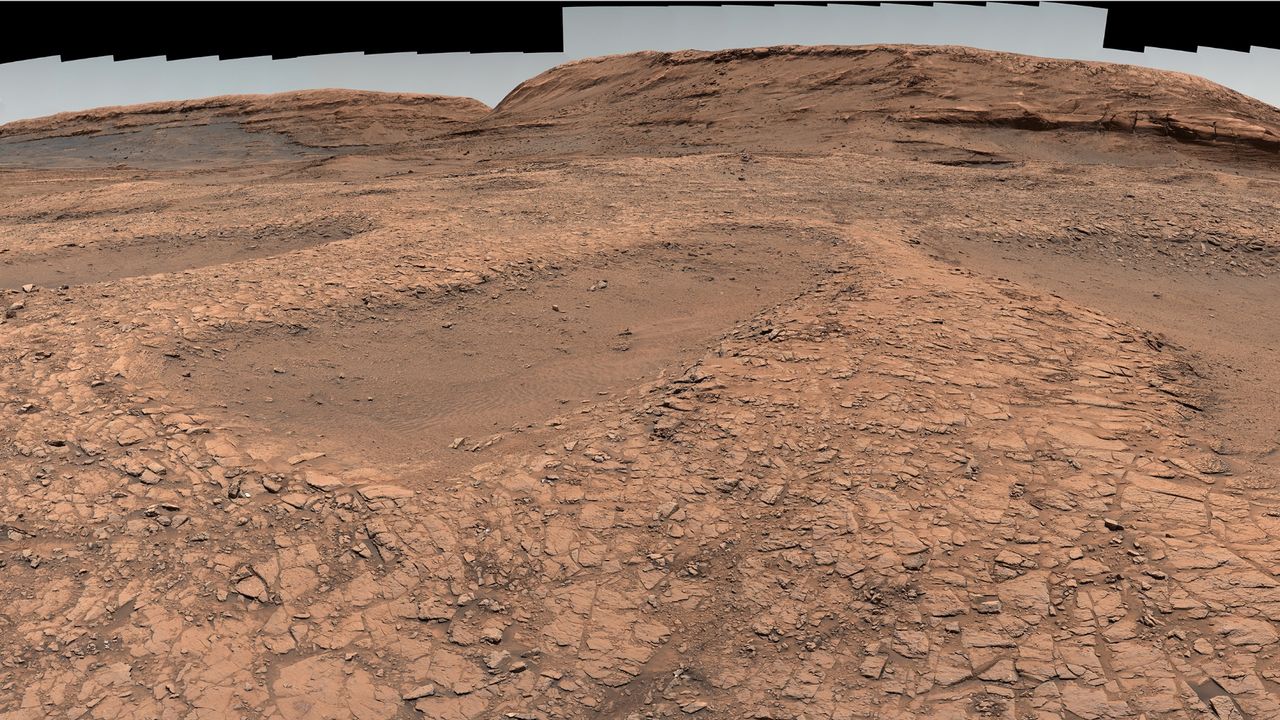
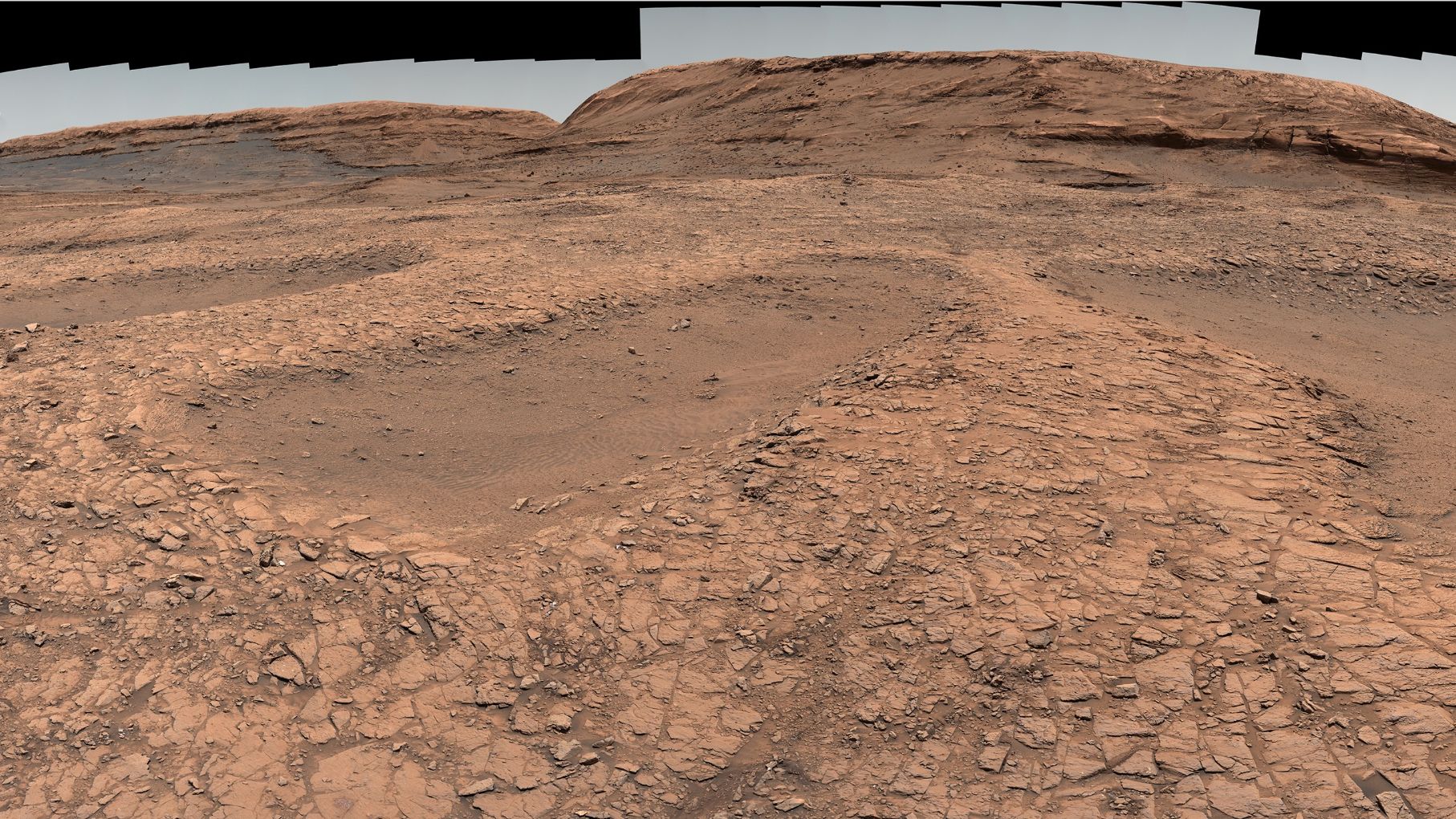
Since landing on Mars, NASA's Curiosity and Perseverance rovers have been sending back breathtaking panoramic views of the Red Planet. These sweeping mosaics reveal dramatically different terrains—from Curiosity's ancient lakebed in Gale Crater to Perseverance's river delta in Jezero Crater—each sculpted by billions of years of geological activity and water. This guide will walk you through how these panoramas are built, from the rovers' cameras to the final stitched image, including real-world data you can explore and even process yourself.
Prerequisites
Before diving into the details, you'll need:
- Basic understanding of Mars missions – Knowing the difference between the two rovers helps.
- Familiarity with image processing concepts – Terms like exposure, white balance, and mosaic stitching will be used.
- A computer with Python installed (optional) – For the hands-on exercise using public Mars image data.
- Access to NASA's Planetary Data System (PDS) or Mars Trek – Free online tools for viewing raw images.
Step-by-Step Instructions
1. Understanding the Rover Cameras
Each rover has a set of science and engineering cameras. For panoramas, the key instruments are:
- Curiosity's Mastcam – A pair of stereo cameras with adjustable focus and multiple filters. They capture color images up to 1600×1200 pixels.
- Perseverance's Mastcam-Z – An upgraded version that zooms (hence the 'Z') and produces 4K-resolution frames. It also has stereo capability.
Both rovers also have navigation cameras (Navcams) used for driving, but they contribute black-and-white context images for some panoramas.
2. How the Rovers Acquire Panorama Images
The process is methodical:
- Target selection – Scientists on Earth choose a scenic outcrop or a region of interest (e.g., the "Mont Mercou" cliff on Mars).
- Sequencing – A command sequence is sent via the Deep Space Network. The rover rotates its mast and takes dozens or even hundreds of individual frames, overlapping by about 15–30% to enable stitching.
- Filter wheel changes (for Mastcam) – The rover may repeat the same pan with different filters (e.g., red, green, blue, near-infrared) later combined into a true-color or decorrelation stretch image.
- Downlink – Images are compressed and beamed back to Earth. Raw files are publicly released within hours or days via the Mars Raw Image sites.
3. Stitching the Individual Frames into a Panorama
Creating the final wide-angle view is done by mission scientists or sometimes the public. The steps mirror professional photogrammetry:
- Align overlapping frames – Software detects common features (rocks, craters) and rotates/translates each image so they match.
- Project onto a sphere or cylinder – To avoid distortion, the images are warped onto a virtual sphere centered at the rover's mast.
- Blend seams – Adjust brightness and color across borders so no lines appear.
- Color correction – Apply a white balance that compensates for Mars's orange sky, sometimes removing the 'candy-coloring' present in raw images.
Tools used by amateurs include Hugin (open-source panorama stitcher) or PTGui. NASA's own pipeline uses in-house software like JPL's CASM.
4. Hands-on Example: Access and Process Mars Images with Python
You can replicate a mini-panorama using raw images from Perseverance's Mastcam-Z. Below is a simplified Python script using the requests and PIL libraries to download two overlapping images and merge them.
import requests
from PIL import Image
from io import BytesIO

# Example URLs for two overlapping frames from Perseverance - Sol 400
url1 = "https://mars.nasa.gov/msl/raw-images/image/mastcam/1/4/0400ML0000000000M1000000E1_DXX.png"
url2 = "https://mars.nasa.gov/msl/raw-images/image/mastcam/1/4/0400ML0000000000M1000000E2_DXX.png"

response1 = requests.get(url1)
response2 = requests.get(url2)

img1 = Image.open(BytesIO(response1.content))
img2 = Image.open(BytesIO(response2.content))

# Simple horizontal concatenation (for demonstration only)
stitched = Image.new('RGB', (img1.width + img2.width, img1.height))
stitched.paste(img1, (0, 0))
stitched.paste(img2, (img1.width, 0))

stitched.save('mars_panorama.png')
Note: Real stitching requires feature matching and blending; this example just shows the concept. For full stitching, use libraries like OpenCV (SIFT or ORB detectors).
5. Interpreting the Panorama – What to Look For
Once you have a panoramic view, you can identify key geological features highlighted in the original news:
- Stratified layers – Alternating light and dark bands that indicate sedimentary deposits from ancient lakes or windblown dunes.
- Ventifacts – Rocks sculpted by windblown sand, showing a 'wind-tail' direction.
- Color variations – Blue-gray hues often mean basaltic sands; reddish tones suggest oxidized iron (rust).
- Textures – Polygonal cracks from drying mud, or cross-bedding from ancient water currents.
Common Mistakes
- Ignoring raw data – Many online panoramas have been color-enhanced for public release; always go back to raw images for scientific analysis.
- Using single-frame exposure values – Mars's dynamic range is extreme; a panorama stitched from uneven exposures will have bright and dark patches unless blended carefully.
- Overlooking geometry – A simple line-by-line stitch (like our Python example) fails for large scenes; you must use cylindrical or spherical projection.
- Downloading images too late – NASA sometimes reprocesses raw images and replaces URLs; check the latest release on the official site.
Summary
This guide covered the end-to-end process of how NASA's Curiosity and Perseverance rovers capture and stitch panoramic images of Mars. We explored the camera hardware, acquisition strategy, stitching techniques, and even wrote a small Python script to fetch and combine raw frames. Whether you're a student, science communicator, or just a space enthusiast, you now have the tools to download, process, and interpret these spectacular views—and understand the ancient water and geological stories they tell.