Reviving an Old Laptop: Which Lightweight Linux Distro Shines on 4GB RAM?
Tech advancements leave old hardware obsolete, but lightweight Linux distros can revive a 4GB laptop. Author tested 5 distros, found a surprising winner in Bodhi Linux.
As technology races forward, older hardware often gets left behind—especially laptops with just 4GB of RAM. But lightweight Linux distributions can breathe new life into these machines. I tested five popular distros on a 4GB laptop to see which one delivers the best balance of speed, usability, and features. Here are the questions and answers from that experiment.
Why test lightweight Linux distros on a 4GB laptop?
Many users believe their old laptop is too underpowered for modern operating systems. With only 4GB of RAM, Windows 10 or macOS often crawl, making everyday tasks frustrating. Lightweight Linux distros are designed to run efficiently on limited hardware. By testing them, I aimed to find a distro that can make a 4GB laptop feel responsive again for browsing, document editing, and light multitasking—without sacrificing too many features.
Which distros did you try and how did you evaluate them?
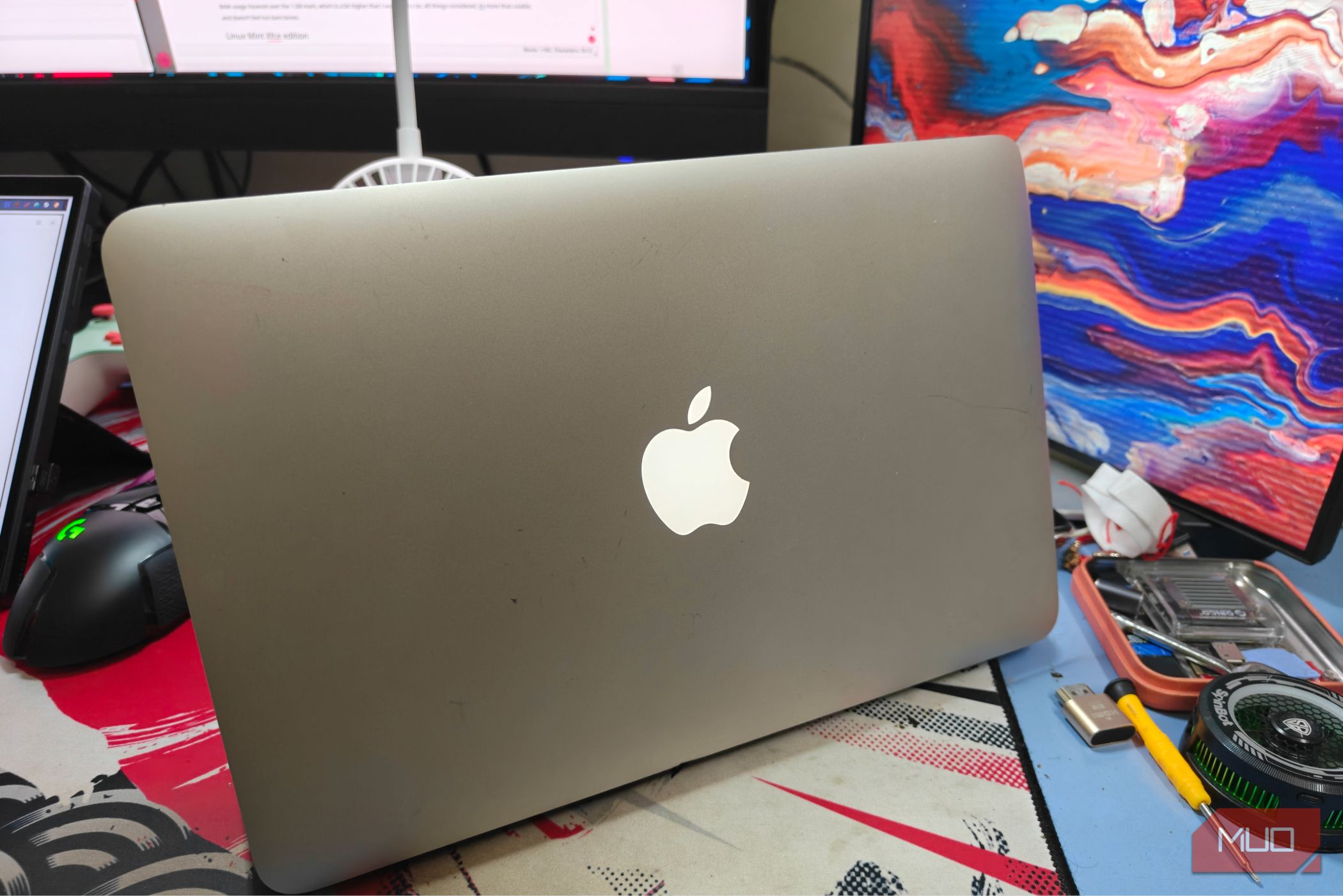
I tested Linux Mint Xfce, Lubuntu, Xubuntu, Puppy Linux, and Bodhi Linux—all known for low resource requirements. Each was installed on a 4GB RAM laptop with an Intel Celeron processor and a 120GB SSD. I evaluated boot time, application launch speed, RAM usage after boot, web browsing performance with multiple tabs, and overall user experience including software availability and ease of use.
Which distro performed best overall on 4GB RAM?
The biggest surprise was Bodhi Linux. Despite being less popular, it consumed only about 180MB of RAM at idle, far less than the others. Its Enlightenment desktop is highly optimized, and multitasking with several browser tabs and a text editor felt smooth. Lubuntu came close, but Bodhi’s minimal memory footprint gave it the edge. Puppy Linux was extremely fast but too bare-bones for daily use, while Mint Xfce and Xubuntu were stable but used more RAM.
How did web browsing compare across the distros?
Web browsing is a shared pain point on low-RAM laptops. With Bodhi Linux, opening 6–8 tabs in Firefox remained functional, though pages loaded a bit slower. Lubuntu handled 5–6 tabs before stuttering. Xubuntu and Mint Xfce started swapping after 4–5 tabs. Puppy Linux could open 3–4 tabs but required careful memory management. All distros benefited from using lightweight browsers like Pale Moon or Falkon, but default installations varied.
What about installation and software availability?
Installation was straightforward for all except Puppy Linux, which requires a different partition scheme. Lubuntu and Xubuntu offer Ubuntu repositories, giving access to thousands of packages. Bodhi Linux also uses Ubuntu repos, so finding apps wasn’t hard. Mint Xfce has its own repo mirrors but is equally well-supported. Puppy Linux uses a unique package manager, which can be confusing for beginners. For software availability, Bodhi and Lubuntu tie for ease of use.
Which distro would you recommend for a 4GB laptop?
For most users, I recommend Bodhi Linux because it strikes the best balance between low RAM usage, modern features, and software support. It surprised me the most. However, if you prefer a more traditional desktop look, Lubuntu is a strong second choice. Avoid Puppy Linux unless you’re comfortable with tweaking. For older hardware, lightweight distros are a real game-changer—they can revive a laptop that would otherwise collect dust.